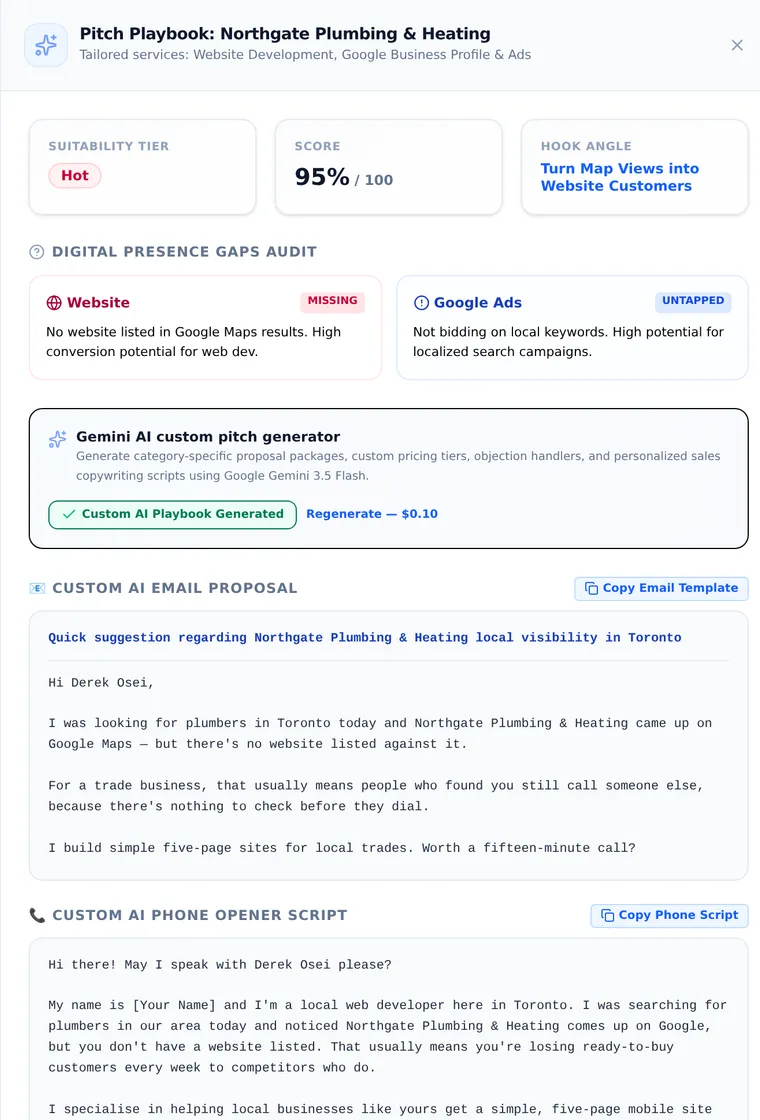
Scan the map. Qualify each candidate. Keep the matches.
Every search runs the same sequence — a shortlist you'd actually call.
Scan the map
Pick a type and area — dentists in Austin, plumbers in Allentown — and every candidate gets pulled in.
Qualify with AI
Describe your ideal lead — checked against every candidate, its Google listing data first, live search where needed.
Lock & work them
Matches land in a workspace with a pitch ready to send.
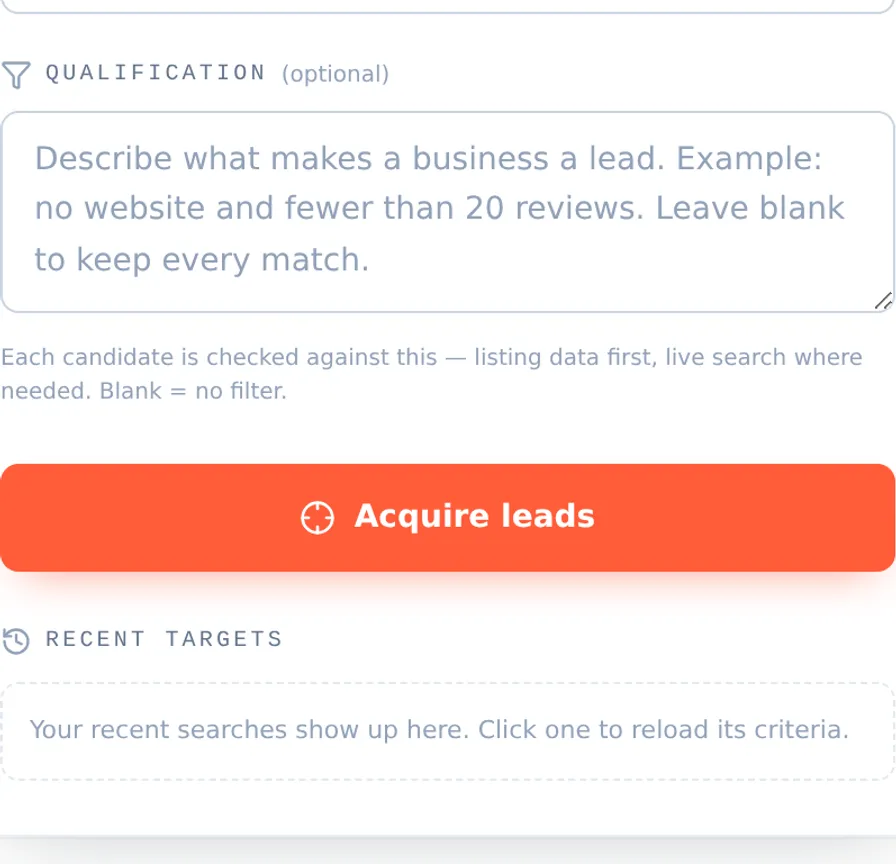
Plain language, not filters. Write the lead you actually want — “dentists in Austin with no website and fewer than 20 reviews” — and every candidate is checked against it before it reaches your list — against its Google listing data first, with a live search only for what the listing can't answer.

Search: dentists in Austin, TX — “no website and fewer than 20 reviews”
247 candidates scanned · 6 qualified · every miss dropped before it reached the list.
| Business | Score | Why it matched | Phone |
|---|---|---|---|
| Cedar Park Family Dental | HOT · 96% | No website on file; 11 reviews | (512) 555-0142 |
| Bright Smile Dental Studio | HOT · 91% | No website; 8 reviews; no booking link anywhere | (512) 555-0173 |
| Lakeline Dental Care | WARM · 78% | Facebook page only, no site; 17 reviews | (512) 555-0119 |
| Oak Hill Dentistry | WARM · 74% | Domain parked; profile photos 4 years old | (512) 555-0187 |
| South Congress Dental | WARM · 71% | No website; 19 reviews, none answered | (512) 555-0156 |
| Mueller Modern Dental | STD · 64% | Site is a single unindexed page; 14 reviews | (512) 555-0134 |
Sample pitch (first lines): “Hi Dr. — I found Cedar Park Family Dental on Google Maps but couldn't find a website for you anywhere. Patients searching ‘dentist near me’ are landing on practices that have one. I build sites for Austin dental practices…”
Illustrative sample — business names and numbers are fictional (555 range). Run a free search to see live results for your own market.